Inventory Plant
Sales Return - Inventory Plant
Inventory Plant click Modul Inventory
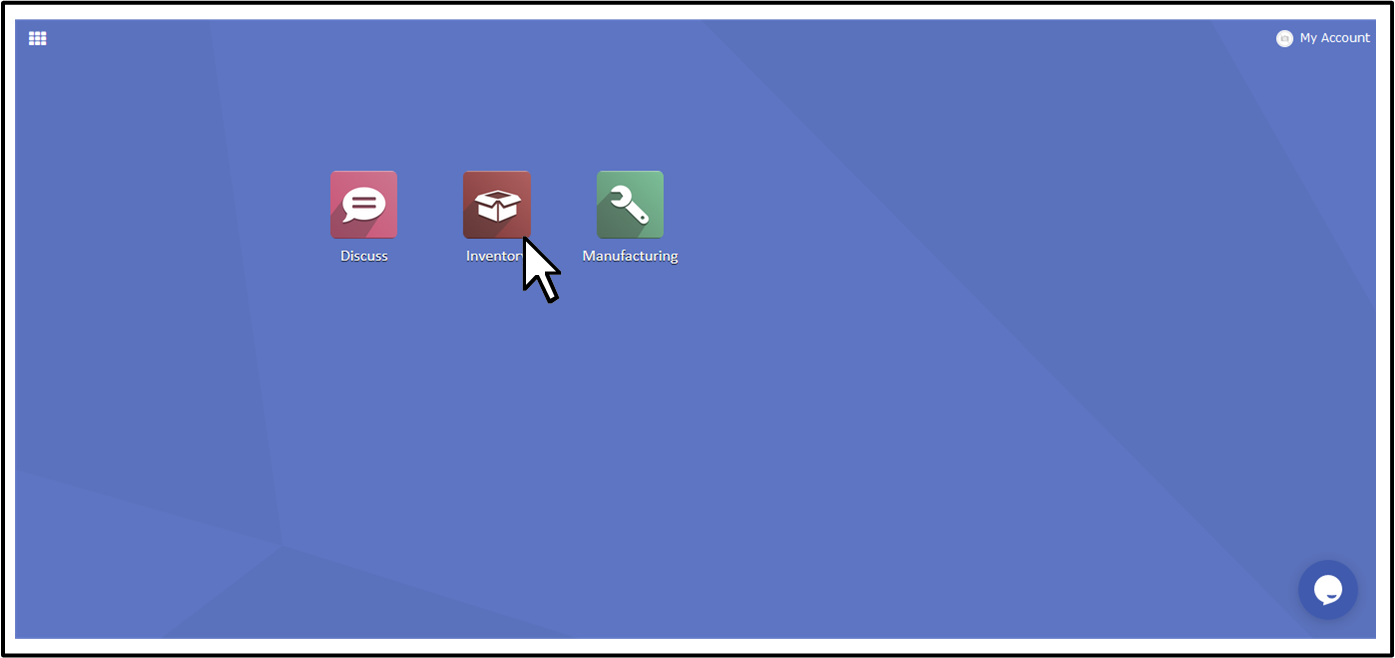
Inventory Plant click Operations → Internal Transfer → Receive

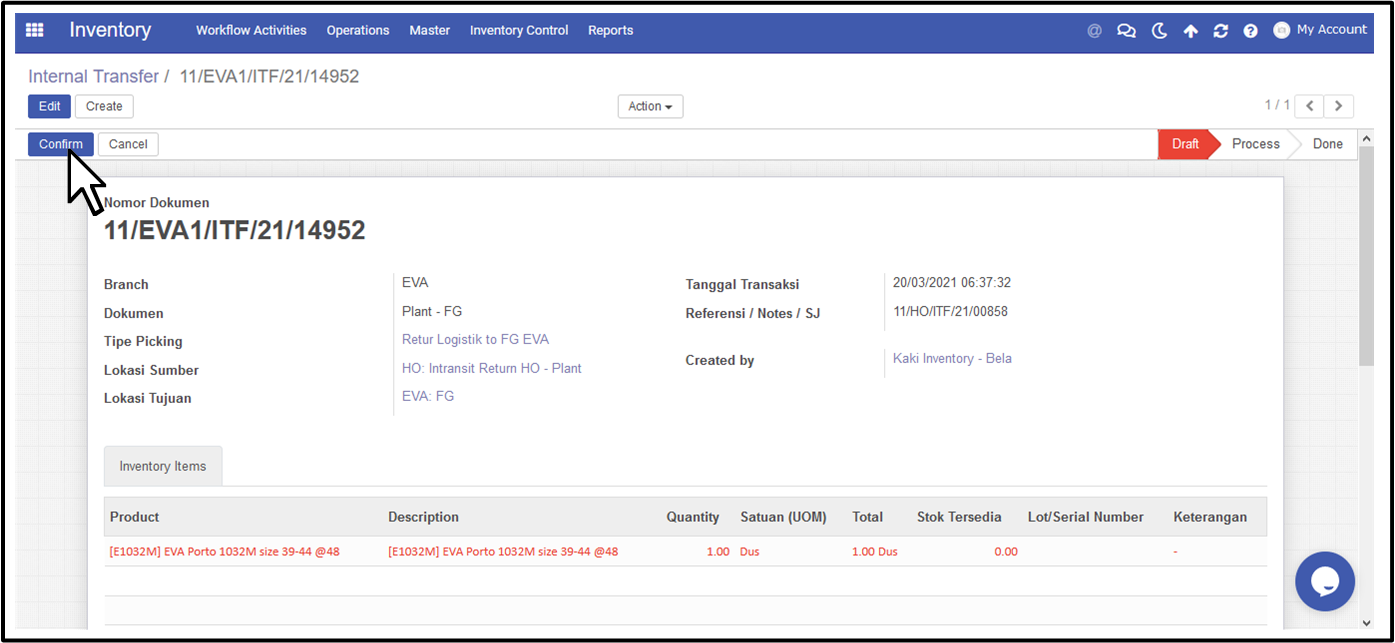
Berikut tampilan yang harus diisi oleh Inventory Plant :
- Receive From → Penerimaan ITF ( lokasi pengirim : HO - Logistik )
- No. Picking → Nomor dokumen ITF ( berdasarkan dari Logistik )
- Location → Location penerimaan dokumen ( menyesuaikan dengan kuantitas yang diterima )
- Dus → Masuk location FG
- Eceran → Masuk location QC
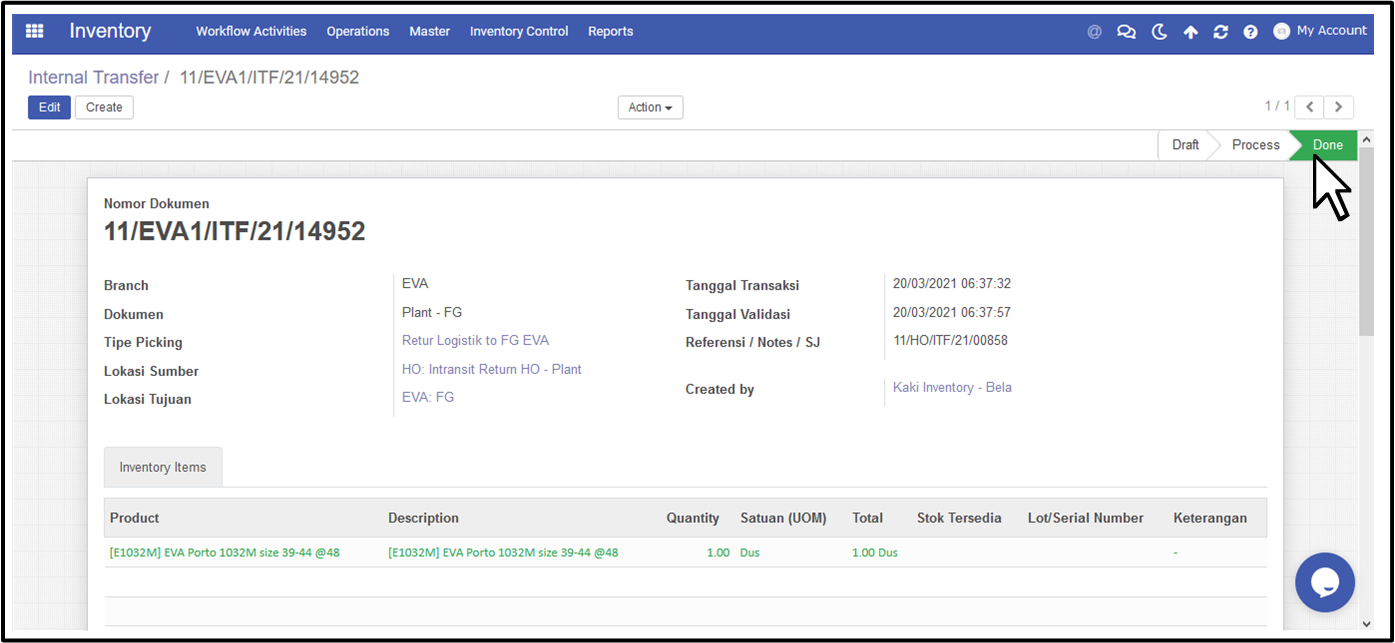
Inventory Plant click Confirm → Validate Dokumen ITF ( sampai Done )
Created with the Personal Edition of HelpNDoc: Create help files for the Qt Help Framework